

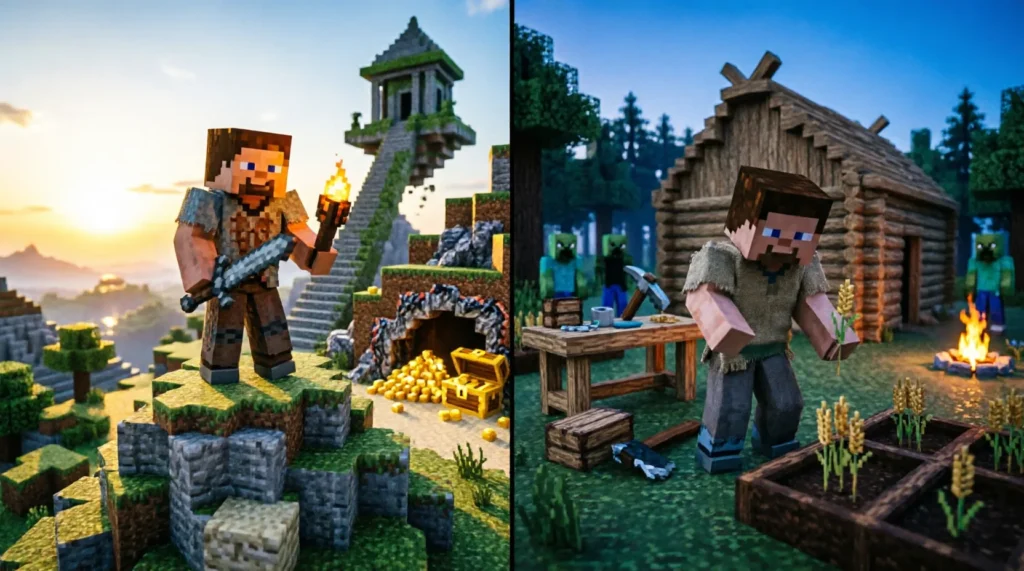
Quick answer: “Adventure mode” is a restricted gameplay setting where you cannot break or place blocks, designed for playing custom maps and stories. “Survival mode” is the standard experience where you must gather resources, craft tools, and manage health and hunger to stay alive. They are not interchangeable terms; one is for consumption, the other for creation and endurance.
Many players new to the sandbox world of Minecraft often confuse these two distinct game modes, assuming they are merely variations of the same core loop. This confusion stems from the fact that both modes involve exploring a procedurally generated world, yet their mechanical constraints and intended purposes are diametrically opposed. Understanding the difference is crucial whether you are downloading a community-created map or starting your first solo world.
| Term | Meaning / When to use | Example sentence |
|---|---|---|
| Adventure Mode | A restricted mode where block breaking/placing is disabled; used for custom maps, parkour, and narrative experiences. | “I switched to adventure mode so I wouldn’t accidentally destroy the puzzle mechanics in this dungeon map.” |
| Survival Mode | The standard mode requiring resource gathering, crafting, and health management; used for traditional gameplay and long-term progression. | “In survival mode, I spent three days mining for diamonds before I could finally enchant my pickaxe.” |
When to Use Adventure Mode
Adventure mode is specifically designed for player-created content rather than open-ended sandbox play. According to the general concept of Adventure, this genre focuses on exploration and narrative rather than unrestricted modification of the environment. In Minecraft, this translates to a mode where the player is an observer and participant in a pre-built story, not an architect.
You should choose Adventure mode when you are playing a map downloaded from the community that features complex redstone contraptions, precise parkour jumps, or interactive storytelling elements. In this mode, you cannot break blocks with your bare hands or standard tools unless the map creator has explicitly allowed it using specific NBT tags. This restriction ensures that you do not bypass puzzles by simply mining through a wall or cheat the intended difficulty by placing blocks to reach high places.
Here are typical scenarios where Adventure mode is the correct choice:
- Playing Narrative Maps: You are experiencing a horror story or a quest-based RPG map where the layout is critical to the pacing. Breaking a wall would ruin the scripted event trigger.
- Parkour Challenges: You are attempting a precision jumping course. Placing blocks would trivialize the challenge, so the mode restricts building to force skill-based progression.
- Multiplayer Minigames: You are joining a server lobby for a game like “Capture the Flag” or “Hide and Seek,” where the arena must remain static for all participants to ensure fair play.
Consider this real-world example from a multiplayer server context. A player joins a custom “Escape Room” map. If they were in Survival mode, they could simply dig a tunnel under the locked door and bypass the entire puzzle sequence. By enforcing Adventure mode, the server ensures the player must find the key, solve the riddle, and interact with the levers as intended. This preserves the integrity of the designer’s work and provides the intended emotional payoff of solving the mystery.
Another practical instance involves testing. As a map maker, I often switch to Adventure mode to walk through my own creation. This allows me to check if the lighting is atmospheric, if the signs are readable, and if the flow feels natural, without the distraction of needing to eat or fight off zombies. It shifts the mental focus from resource management to spatial awareness and narrative immersion.
When to Use Survival Mode
Survival mode is the definitive Minecraft experience for most players. It is the default setting that embodies the core loop of gathering, crafting, and enduring. As described in the overview of Minecraft, the game’s primary appeal lies in its open-ended nature, allowing players to shape the world while surviving against environmental threats. Survival mode enables full interaction with the world: you can mine every block, place every item, and build structures of any scale.
You should choose Survival mode when you want to start from nothing and progress through the tech tree. This includes punching trees for wood, crafting a crafting table, making wooden tools, upgrading to stone, then iron, and eventually diamond or netherite. It is a mode of agency and accumulation. Your decisions directly impact your safety and comfort. If you fail to build a shelter before nightfall, you will likely die. If you fail to farm food, you will starve.
Key situations for using Survival mode include:
- Long-Term World Building: You plan to spend months or years building a massive castle, city, or automated farm network. You need the freedom to terraform the landscape and gather millions of blocks.
- Resource Progression: You want to experience the satisfaction of earning powerful gear. Finding a diamond vein after hours of caving is a core dopamine hit that Adventure mode cannot provide.
- Combat and Exploration: You want to fight the Ender Dragon or the Wither. These bosses require specific items and preparations that can only be obtained through the survival gameplay loop.
Let’s look at a concrete example from a typical player’s journal. On day one of a new Survival world, a player spawns in a plains biome. They spend the first ten minutes gathering wood and stone. By sunset, they have built a small dirt hut and crafted a furnace. This sense of immediate accomplishment and vulnerability is unique to Survival. In Adventure mode, that dirt hut would already exist, or the player would be unable to build it at all, removing the personal investment in their own safety.
Another common scenario is the “Hardcore” variation of Survival. Here, death is permanent. This extreme stakes environment highlights why Survival is distinct from Adventure. In Adventure, death is usually just a respawn point reset. In Survival, especially Hardcore, every decision carries weight. Do I risk mining into lava? Do I fight that Creeper or run? These tensions define the Survival experience.
A third example comes from community challenges. Many streamers attempt “Skyblock” or “One Block” challenges, which are specialized forms of Survival. They start on a tiny island with limited resources and must expand their world carefully. This requires intricate planning and resource conservation. Adventure mode would make these challenges impossible because the core mechanic is the careful placement and breaking of blocks to generate new materials.
How to Remember the Difference
The easiest way to distinguish between these two modes is to focus on the verb associated with each. Think of Adventure as “watching” or “experiencing.” You are there to see what someone else has built. Think of Survival as “doing” or “making.” You are there to build your own legacy.
Here is a simple mnemonic trick I use when teaching new players:
- Adventure = Avoid breaking blocks. (The ‘A’ stands for Avoid alteration).
- Survival = Shape the world. (The ‘S’ stands for Shape and Survive).
Another helpful insight is to consider the inventory. In Adventure mode, your inventory is often pre-filled with specific tools provided by the map maker, and you cannot add random blocks you find on the ground. In Survival mode, your inventory starts empty (except for maybe a map in some cases), and every single item you hold is something you personally gathered. If you are holding a block of dirt you just dug up, you are in Survival. If you are holding a special “Quest Item” that cannot be placed, you are likely in Adventure.
Editor-level tip: Check the game HUD. In Survival mode, you always see the heart (health) and drumstick (hunger) bars. In Adventure mode, you also see these bars, but the key difference is the interaction cursor. Try to punch a tree. If nothing happens and no crack animation appears, you are in Adventure. If the wood breaks, you are in Survival. This physical test is the fastest way to verify your current state without opening the menu.
Common Mistakes and Exceptions
One frequent mistake players make is assuming that “Creative Mode” is the opposite of “Survival Mode,” leaving “Adventure Mode” misunderstood. While Creative is indeed the unrestricted building mode, Adventure is a hybrid: it has survival stats (health/hunger) but restricted building. Players often enter an Adventure map expecting to be able to patch a hole in a roof with dirt, only to find they cannot. This leads to frustration and the false belief that the map is broken.
Another exception involves command blocks and server plugins. On many multiplayer servers, the default mode might be Adventure to prevent griefing, but players are given special permissions to build in designated plots. In this case, the mode is technically Adventure, but the experience feels like Survival/Creative hybrid due to plugin overrides. Always check the server rules.
There is also a US vs UK spelling consideration, though it does not apply to the game modes themselves. The word “Adventure” is spelled the same in both American and British English. However, players sometimes confuse “Survival” with “Survivor.” The mode is called “Survival,” referring to the state of surviving, not “Survivor,” which refers to the person. You play in Survival mode; you are a survivor.
A notable edge case is “Spectator Mode.” This is often confused with Adventure because both restrict interaction. However, Spectator mode allows you to fly through blocks and see hidden entities, whereas Adventure mode keeps you grounded and bound by physics, just unable to modify the terrain. If you can fly through a mountain, you are in Spectator. If you are stuck walking around it, you are in Adventure.
Frequently Asked Questions
Can I switch from Survival to Adventure mode in the middle of a game?
Yes, you can switch modes at any time using commands if cheats are enabled. Typing /gamemode adventure will instantly change your current mode, preserving your inventory and location.
Do you lose your items when you die in Adventure mode? It depends on the map settings. By default, yes, you drop your items upon death just like in Survival. However, map creators often use command blocks to keep inventory or respawn players with specific gear to maintain the narrative flow.
Is Hardcore mode a separate setting from Survival? Hardcore is a difficulty setting within Survival mode, not a separate game mode. It functions exactly like Survival but with the difficulty locked to Hard and permadeath enabled. You cannot switch out of Hardcore once the world is created.
Why can’t I break blocks in Adventure mode even with a diamond pickaxe? Adventure mode restrictions override tool capabilities. Unless the block has been specifically tagged as “breakable” by the map creator using data packs or command blocks, no tool will allow you to break it. This is intentional to preserve map integrity.

Anthony Perez, a PhD in Applied Linguistics from the University of Toronto, has dedicated over 12 years to studying the cognitive aspects of language acquisition, with a special focus on English spelling conventions. His journey into the world of spelling and word comparisons was sparked by his research on how non-native speakers adapt to English orthography. At SpellRightDaily, Anthony shares his insights through content that explores the science behind spelling acquisition and offers strategies for overcoming common traps in English spelling. His articles are particularly aimed at learners who are new to English, although his engaging explanations also attract native speakers interested in refining their spelling skills. Anthony’s research-driven approach provides an evidence-based perspective that enriches the site’s resources, offering readers not just the ‘how’ but the ‘why’ behind effective spelling strategies. His work at SpellRightDaily combines academic rigor with practical application, making complex concepts accessible to a broad audience.